
Motorola Software, Firmware & Programming Leads
Programming Software For Your Walkie Talkie Radios
We are pleased to offer Motorola Software and Firmware for a variety of Motorola Portable, Mobile and Repeater Radios.
Motorola CPS
Motorola Software or commonly known as CPS (Customer Programming Software) enables you to program your Motorola radios and make modifications to the code plug.
The code plug is the file inside the radio that contains sensitive information about the radio like is channel frequencies, radio ID & serial number and its power settings to name but a few.
With the software you can modify your channels in accordance to your frequency licence. Often radios are resold and require reprogramming this gives you the software you need to install it on your windows computer.
Motorola Firmware
Firmware is often released to fix any issues with a radio or add new features and settings. The firmware is downloads and installed into your Motorola CPS. From here you can update the radio from the settings. It is always recommended to keep your radios upto date when it comes to Firmware as it allows you to benefit from new features that you previously didnt know were capable with your radios.
Both Motorola Softwares and Firmware normally come with a read me file which inform you or the latest changes and the difference between the versions.
Motorola Programming Leads
If you are planning to program your radios please make sure you purchase the correct leads. Yes you can buy cheaper leads on Ebay and non genuine versions but from my experience these lead to no end of issues when programming and connectivity issues when you need them the most. I recomment always buy the right cable for the right radio it will save you hours in fault finding when you can read the radios on the CPS software.
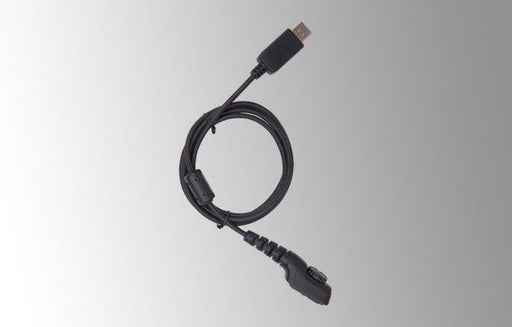
Hytera Programming Cable (USB Port) - PC38
Hytera
Original price
£36.99
-
Original price
£36.99
Original price
£36.99
£36.99
-
£36.99
Current price
£36.99
Programming Cable (USB Port) for use with PD700 Series and PD715Ex/PD795Ex Product code: PC38
Original price
£36.99
-
Original price
£36.99
Original price
£36.99
£36.99
-
£36.99
Current price
£36.99
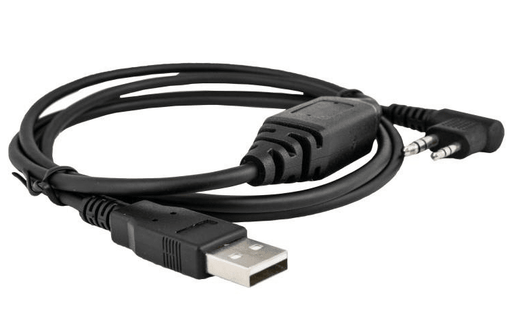
Hytera USB Port Data Programming Cable - PC76
Hytera
Original price
£35.99
-
Original price
£35.99
Original price
£35.99
£35.99
-
£35.99
Current price
£35.99
Hytera PC76 USB Port Data Programming Cable for use with Hytera PD405 and the other PD400 series digital radios. Product code: PC76 Supported Radio...
View full details
Original price
£35.99
-
Original price
£35.99
Original price
£35.99
£35.99
-
£35.99
Current price
£35.99

Hytera Programming kit (programming cable + disk) - BC00008
Hytera
Original price
£51.99
-
Original price
£51.99
Original price
£51.99
£51.99
-
£51.99
Current price
£51.99
Programming kit (programming cable + disk) for use with X1e and X1p Product code: BC00008
Original price
£51.99
-
Original price
£51.99
Original price
£51.99
£51.99
-
£51.99
Current price
£51.99
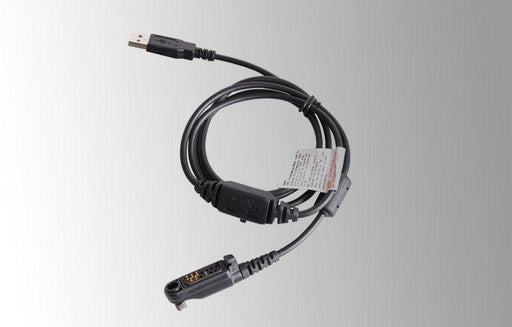
Hytera Programming Cable (USB Port) - PC45
Hytera
Original price
£36.99
-
Original price
£36.99
Original price
£36.99
£36.99
-
£36.99
Current price
£36.99
Programming Cable (USB Port) for use with X1e, X1p and PD600 Series Product code: PC45
Original price
£36.99
-
Original price
£36.99
Original price
£36.99
£36.99
-
£36.99
Current price
£36.99
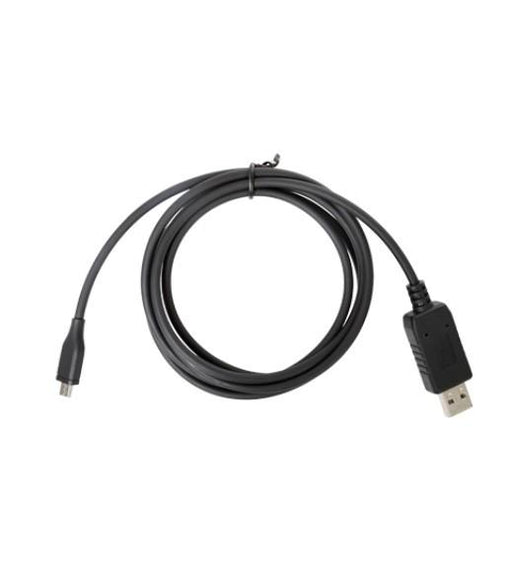
Hytera Programming Cable for PD300 Series - PC69
Hytera
Original price
£35.99
-
Original price
£35.99
Original price
£35.99
£35.99
-
£35.99
Current price
£35.99
The Hytera PC69 programming cable for use with PD300 series including the PD355, PD365 and PD375 digital radio models. Product code: PC69 Sp...
View full details
Original price
£35.99
-
Original price
£35.99
Original price
£35.99
£35.99
-
£35.99
Current price
£35.99
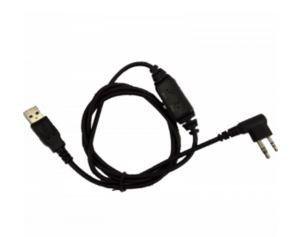
Hytera PC63 Data programming cable (USB port)
Hytera
Original price
£36.99
-
Original price
£36.99
Original price
£36.99
£36.99
-
£36.99
Current price
£36.99
Data programming cable (USB port) for PD500 series Hytera Radios Product code: PC63
Original price
£36.99
-
Original price
£36.99
Original price
£36.99
£36.99
-
£36.99
Current price
£36.99
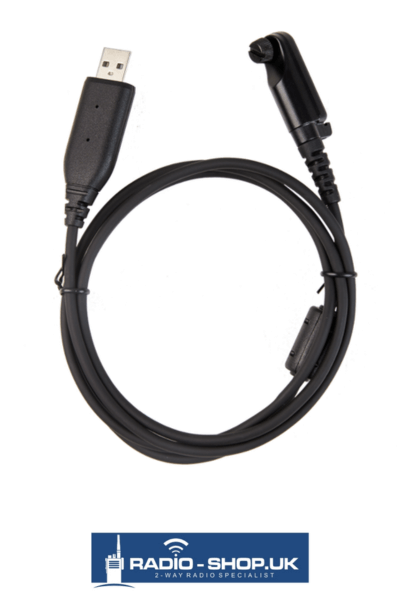
Hytera HP Radio Programming Cable (USB Port) - PC152
Hytera
Original price
£39.99
-
Original price
£39.99
Original price
£39.99
£39.99
-
£39.99
Current price
£39.99
Programming Cable (USB Port) for use with the Hytera HP Radio Range For use with: HP605 HP685 HP705 HP785 Product code: PC152
Original price
£39.99
-
Original price
£39.99
Original price
£39.99
£39.99
-
£39.99
Current price
£39.99
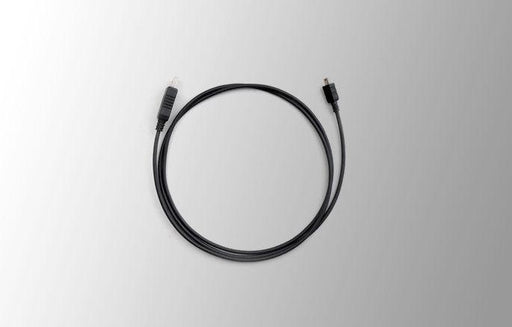
Hytera Programming cable with USB connector - PC30
Hytera
Original price
£45.99
-
Original price
£45.99
Original price
£45.99
£45.99
-
£45.99
Current price
£45.99
Hytera Programming cable with USB connector for use with TC320 Product code: PC30
Original price
£45.99
-
Original price
£45.99
Original price
£45.99
£45.99
-
£45.99
Current price
£45.99
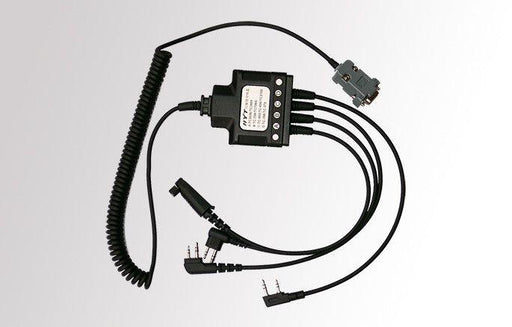
Hytera Universal programming cable - PC08
Hytera
Original price
£85.99
-
Original price
£85.99
Original price
£85.99
£85.99
-
£85.99
Current price
£85.99
Hytera Universal programming cable for use with: TC-446S Power446 TC-610 TC-620 TC-700 Product code: PC08
Original price
£85.99
-
Original price
£85.99
Original price
£85.99
£85.99
-
£85.99
Current price
£85.99
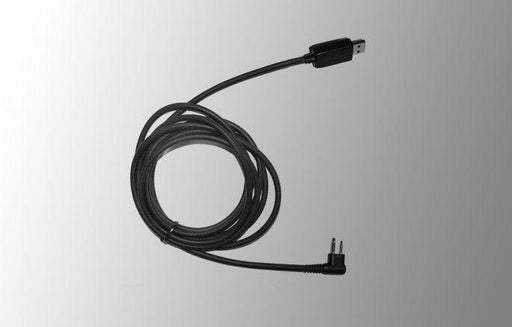
Hytera Programming cable with USB connector - PC26
Hytera
Original price
£45.99
-
Original price
£45.99
Original price
£45.99
£45.99
-
£45.99
Current price
£45.99
Hytera Programming cable with USB connector for use with: Power446 TC-446S TC-610 TC-620 Product code: PC26
Original price
£45.99
-
Original price
£45.99
Original price
£45.99
£45.99
-
£45.99
Current price
£45.99
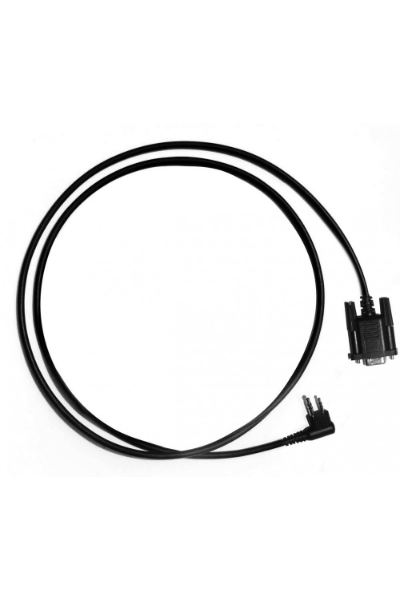
Hytera Common programming cable - PC19
Hytera
Original price
£32.99
-
Original price
£32.99
Original price
£32.99
£32.99
-
£32.99
Current price
£32.99
Hytera Common programming cable for use with: Power446 TC-446S TC-610 TC-620 Product code: PC19
Original price
£32.99
-
Original price
£32.99
Original price
£32.99
£32.99
-
£32.99
Current price
£32.99
Programming Software For Your Walkie Talkie Radios
We are pleased to offer Motorola Software and Firmware for a variety of Motorola Portable, Mobile and Repeater Radios.
Motorola CPS
Motorola Software or commonly known as CPS (Customer Programming Software) enables you to program your Motorola radios and make modifications to the code plug.
The code plug is the file inside the radio that contains sensitive information about the radio like is channel frequencies, radio ID & serial number and its power settings to name but a few.
With the software you can modify your channels in accordance to your frequency licence. Often radios are resold and require reprogramming this gives you the software you need to install it on your windows computer.
Motorola Firmware
Firmware is often released to fix any issues with a radio or add new features and settings. The firmware is downloads and installed into your Motorola CPS. From here you can update the radio from the settings. It is always recommended to keep your radios upto date when it comes to Firmware as it allows you to benefit from new features that you previously didnt know were capable with your radios.
Both Motorola Softwares and Firmware normally come with a read me file which inform you or the latest changes and the difference between the versions.
Motorola Programming Leads
If you are planning to program your radios please make sure you purchase the correct leads. Yes you can buy cheaper leads on Ebay and non genuine versions but from my experience these lead to no end of issues when programming and connectivity issues when you need them the most. I recomment always buy the right cable for the right radio it will save you hours in fault finding when you can read the radios on the CPS software.